There’s been a piece of news recently where a Vietnamese tourist who made only $200/month had to kneel down to beg on his knees to get a refund of his money for an iPhone 6.
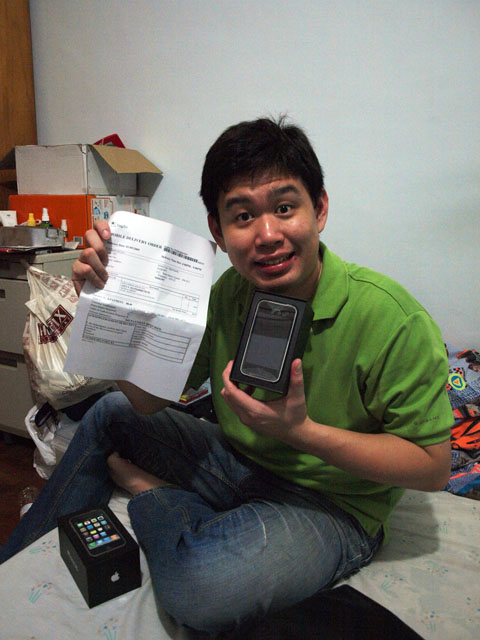
I think a lot of people still do not understand the ins-and-outs of this trade. Being a victim of similar scams at mobile phone stores in the old days, I subsequently started a business of my own to prove that it is possible to make an honest living.
There are few very common tricks that people fall into. The simple ones are these: –
- Adding taxes to list price after the deal is made. Such sellers usually add an additional 7% GST to the listed price, but sometimes the seller is not a GST-registered business.
- Missing parts, such as charger and earpiece, requiring a top up. This is the scam I fell for.
- Not getting the device you wanted, i.e. a fake, or a used item instead of a new one.
The more complex scams is seen in the news above, where a hidden contractual clause would require you to purchase additional items. There’s also another type of scam known as the swap-bait, where you would purchase a device, then test it and realise it is faulty, but have no choice but to pay extra for an upgrade because the faulty item was the “last piece”.
How to avoid being scammed?
Be sure to ask for nett pricing, i.e. tax inclusive price. Be sure to ask if all the items are included in the box, such as charger and earpiece. Also be sure to check the lifetime call timer on the item to ensure that it is 100% brand new (if you are buying a new device). Test the device before making payment. Finally, read any agreement carefully before you sign.
Sometimes the products may not be sealed, and that is OK because it is common for mobile phone stores to buy from a consumer who has re-contracted with a telco (this is called “buy-back”), then resell it. These devices are still considered “brand new in box” (BNIB), but may have a lapsed warranty of several days. This is how these stores are able to offer good prices well below the recommended retail price (RRP).
The Vietnamese tourist was unfortunate. These are definitely not normal business practices in Singapore. There are many stores around that make an honest living, and I suggest that people do their own research and go to stores that publish open pricing and have a large social following. The top two such independent stores in Singapore are WhyMobile and Mobile Square.